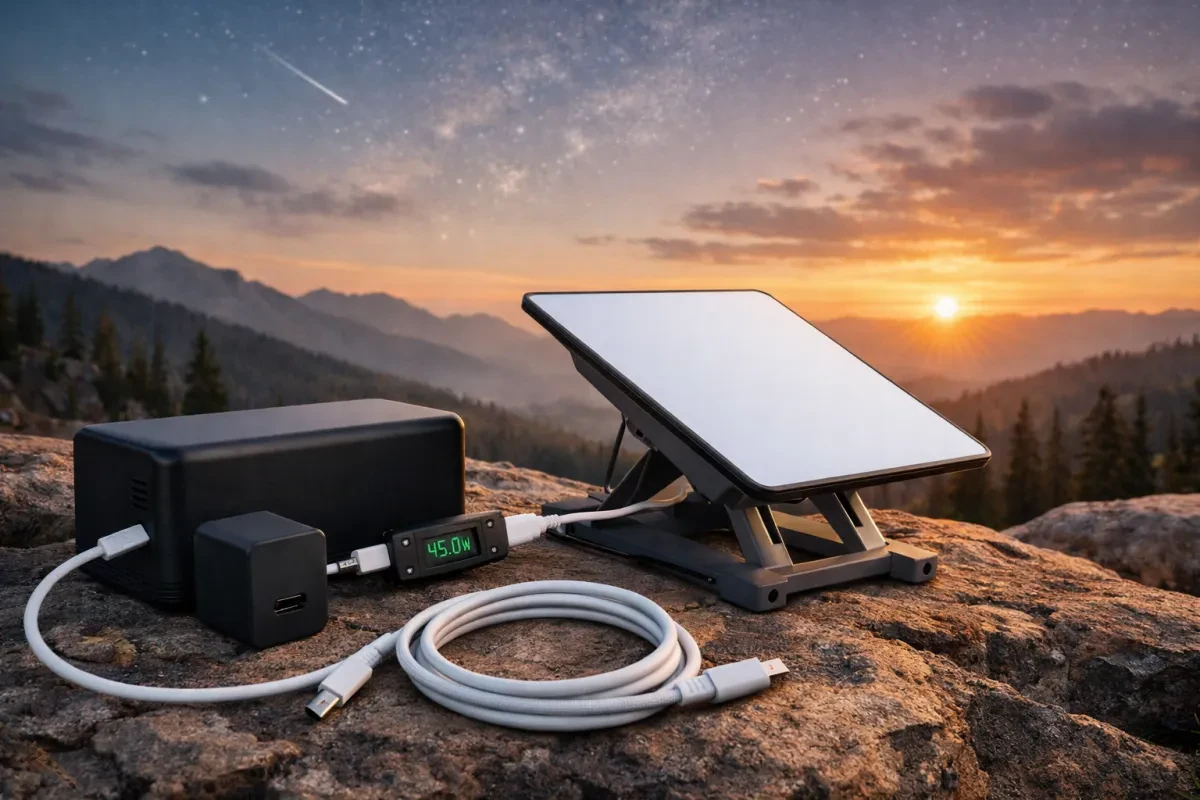
Getting the right power setup for your Starlink device is essential, especially if you're going off-grid. Understanding the basics of Starlink power can make all the difference in ensuring you stay connected wherever you are. In this Starlink Mini USB-C power guide, we'll lay out everything you need to know.
First things first, your Starlink dish needs a reliable power source to operate effectively. It typically requires a 100-240V AC input, but when you're off the grid, you might want to switch to a portable power solution. That’s where USB-C comes in handy. With a good USB-C power bank or solar generator, you can run your Starlink setup smoothly without worrying about plug sockets.
When choosing a power bank or solar generator, make sure it can supply enough wattage. Your Starlink dish usually needs about 50-75 watts to function, so pick one that can comfortably meet that need. Look for high-capacity batteries with fast charging capabilities. This way, you won’t have to wait around for your device to power up.
Also, think about the cable. The right USB-C cable can affect performance. Opt for a thick, high-quality cable that can handle the wattage. Avoid the cheap, flimsy ones that might not last long or could lead to power issues. A solid connection can help you avoid frustrating moments when you just want to get online.
Keep all these basics in mind as you dive into the world of off-grid power for your Starlink system. With the right setup, you can enjoy reliable internet access no matter where your adventures take you! This Starlink Mini USB-C power guide should help you get started on the right track.
Setting Up Your USB-C Connection
Next, plug one end of the USB-C cable into the Starlink router. The ports are usually pretty straightforward to find. Just look for the USB-C port, which is often labeled, so you can't miss it. Then, take the other end and connect it to a compatible power source—this could be a wall adapter or even a portable power bank if you’re off-grid.
If you're using a wall adapter, ensure it’s plugged into a reliable outlet. A power source that’s stable will keep your Starlink Mini up and running without interruptions. If you’re using a portable battery, check its power level to avoid any surprises. You’ll want enough juice to keep your connection strong.
Lastly, give your Starlink Mini a moment to power up after you make the connection. Once it’s booted up, you should see the indicators lighting up. If everything looks good, you're set! Follow this simple guide, and you’ll be enjoying your internet in no time, just like the Starlink Mini USB-C power guide suggests.
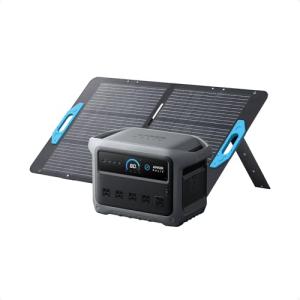
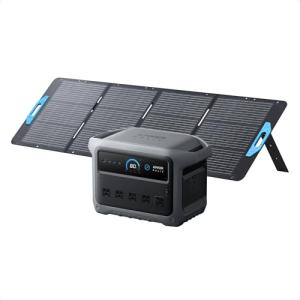
Anker SOLIX C1000 Gen 2 Portable Power Station
Stay powered up anywhere with reliable, compact energy for all your off-grid adventures
Product information
$799.00 $559.99
Product Review Score
4.69 out of 5 stars
185 reviewsProduct links
Charging Options for Your Starlink Device
When it comes to powering your Starlink device, you’ve got a few great options to choose from. Knowing how and where to charge your setup is key to keeping that internet flowing, especially if you’re off the grid. The Starlink Mini USB-C power guide can help you figure it all out!
First off, a standard wall outlet is the most straightforward option. You can use any USB-C power adapter that meets the correct voltage. Just plug it into your wall outlet, connect it to the Starlink device, and you’re ready to go. If you’re in a location with reliable electricity, this is the way to charge up.
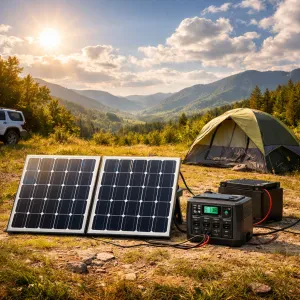
If you're spending time in a more remote area without access to electricity, solar chargers are fantastic. They harness the sun's energy and can provide enough power for your Starlink device. Look for solar chargers with a USB-C output to ensure compatibility. They’re portable and a great option for outdoor enthusiasts.
Another solid choice is a power bank. These are great if you want to keep things mobile. Just make sure to pick one with enough capacity to charge your Starlink device multiple times. The best models have a USB-C output, so you can connect directly without any hassle. This way, you can stay connected even if you’re miles from the nearest outlet!
Whichever method you choose, always check that your charging option meets the power requirements of your Starlink device. With the right tools and the Starlink Mini USB-C power guide, you’ll stay connected and enjoy all that fast internet, no matter where you are.
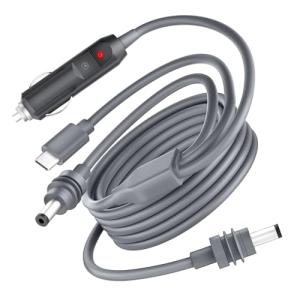
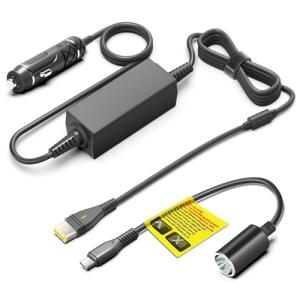
Starlink Mini USB C to DC Power Cable
Power your Starlink device effortlessly with this mini USB C to DC cable, perfect for off-grid setups
Product information
$26.99 $24.29
Product Review Score
4.6 out of 5 stars
48 reviewsProduct links
Troubleshooting Common Power Issues
Troubleshooting power issues can be frustrating, but don’t worry! If you're having problems with your Starlink Mini USB-C power setup, there are a few easy things to check first.
First, make sure all your connections are solid. Check that the USB-C cable is plugged in tightly at both the Starlink terminal and the power source. A loose connection can cause power drops, so give everything a good wiggle to ensure it's secure.
If the terminal isn't powering on, try a different USB-C power source. Use a compatible wall adapter or power bank that provides enough wattage. The Starlink unit generally likes at least 60W, so double-check the specs on your charger.
Lastly, look for any visible damage on the cables or connectors. If something looks frayed or burned, it’s time for a replacement. With these quick checks, you can likely get your Starlink Mini USB-C power setup back to working order in no time!